CASE STUDY 03 — EDUCATION · CHILDREN'S APP

QNL Kids: reading made playful.

Designing an engaging, accessible library experience that invites young readers to discover, learn, and return — across stories, memories, games and community.

MOBILE UXINCLUSIVE DESIGNGAMIFICATIONTABLET APP
← Back to workOpen prototype →
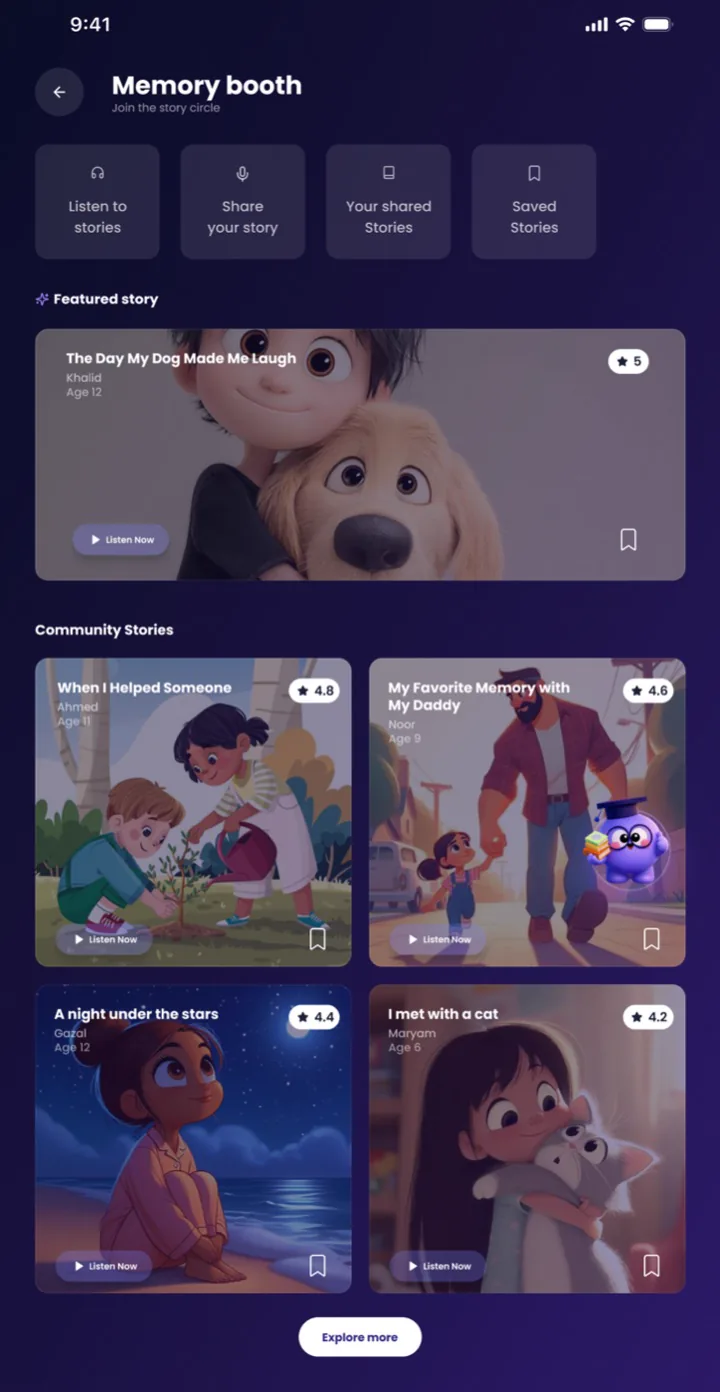
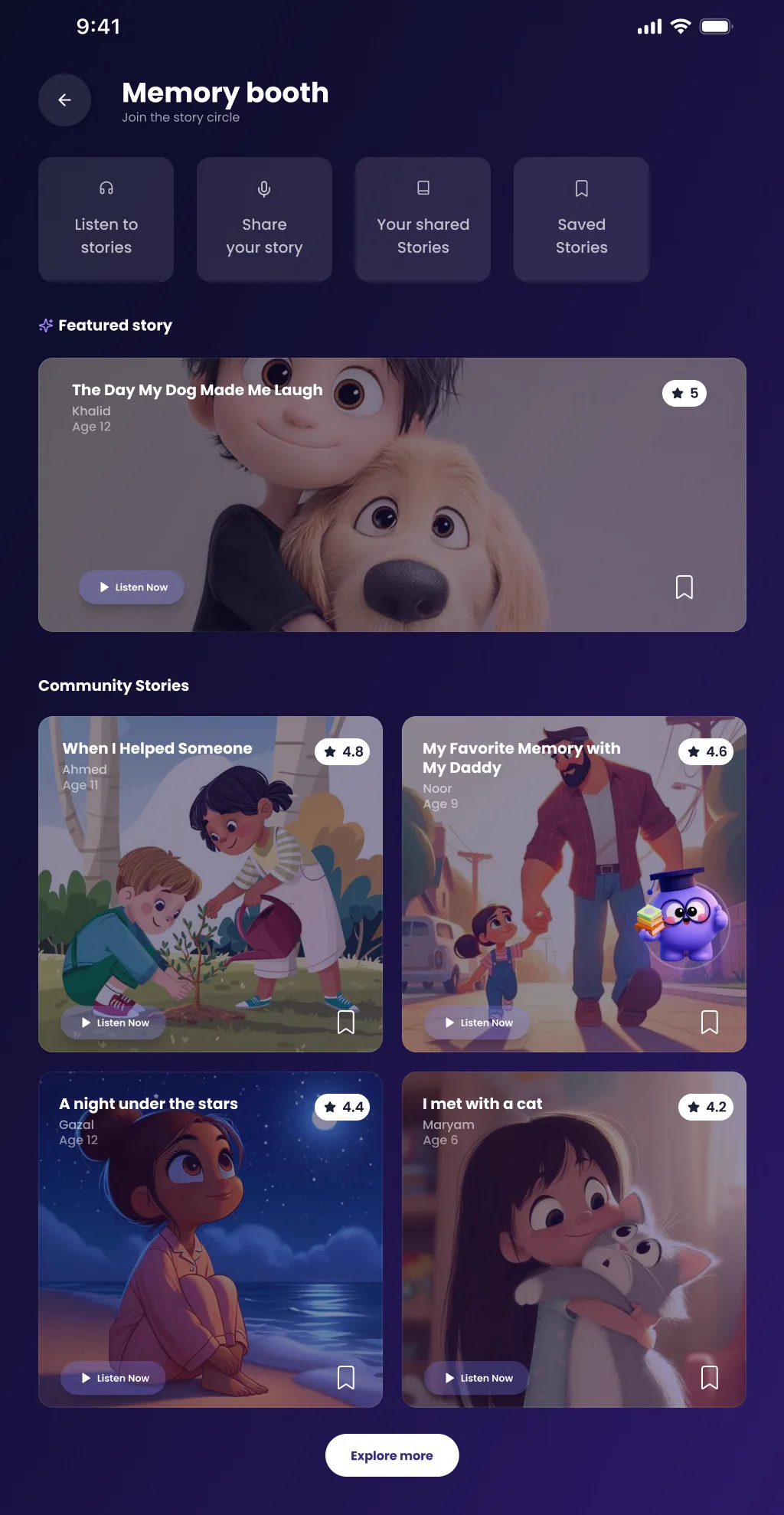
QNL Kids app Memory booth page design in Figma

01 — PROBLEM STATEMENT

Reading had to compete with screens.

Children's reading time competes with games and video. Qatar National Library needed one safe, playful home for its stories, voices, learning tools and community programmes — something a child can open alone, a parent can trust, and a volunteer can use to give back — that builds reading habits instead of replacing them.

02 — USER PERSONA

One app, three audiences.

YOUNG READERSadaf, child profile

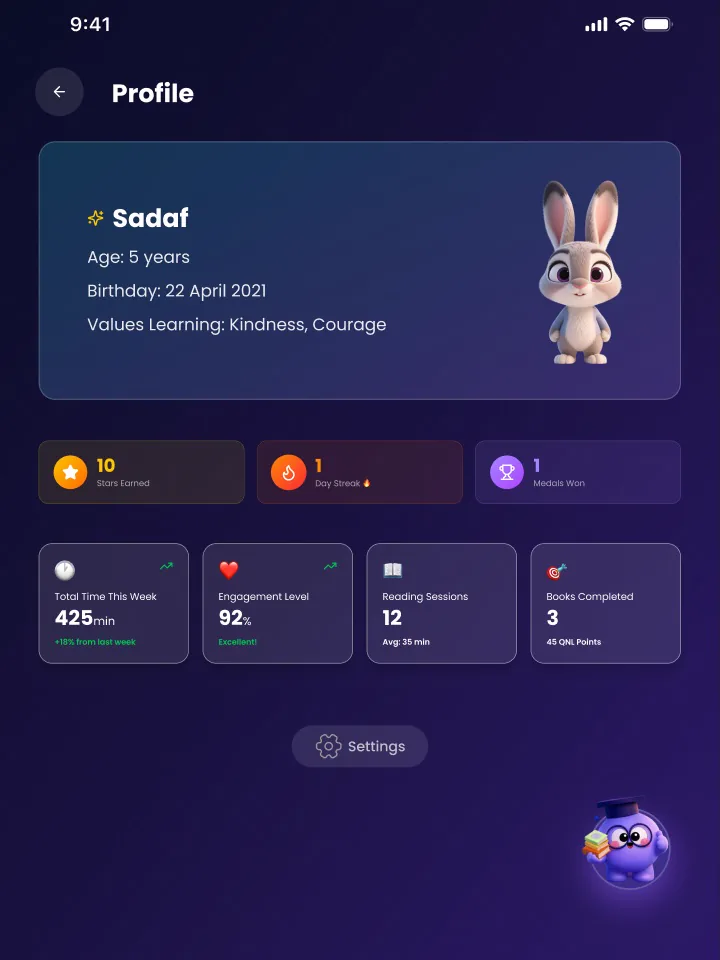
Wants quick, rewarding ways in: a friendly guide, stories that speak, stars, streaks and medals for every session.

PARENT / GUARDIANParent profile

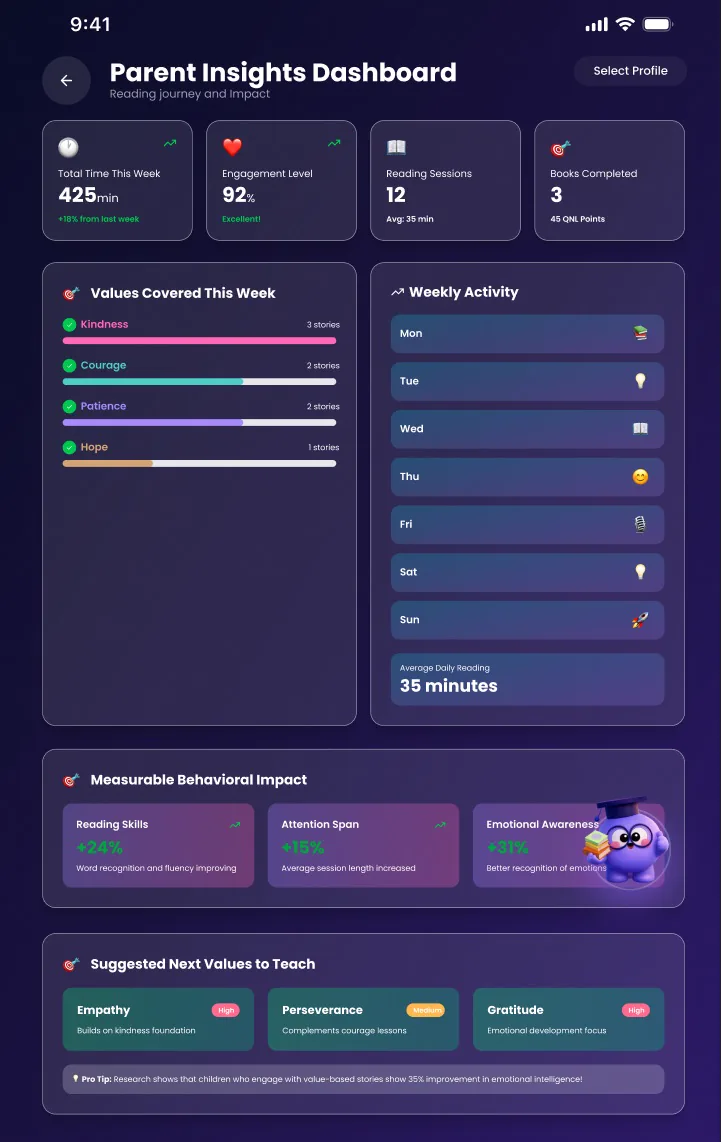
Wants to see reading time, values covered and what to teach next — without hovering over the child.

VOLUNTEERLibrary helper

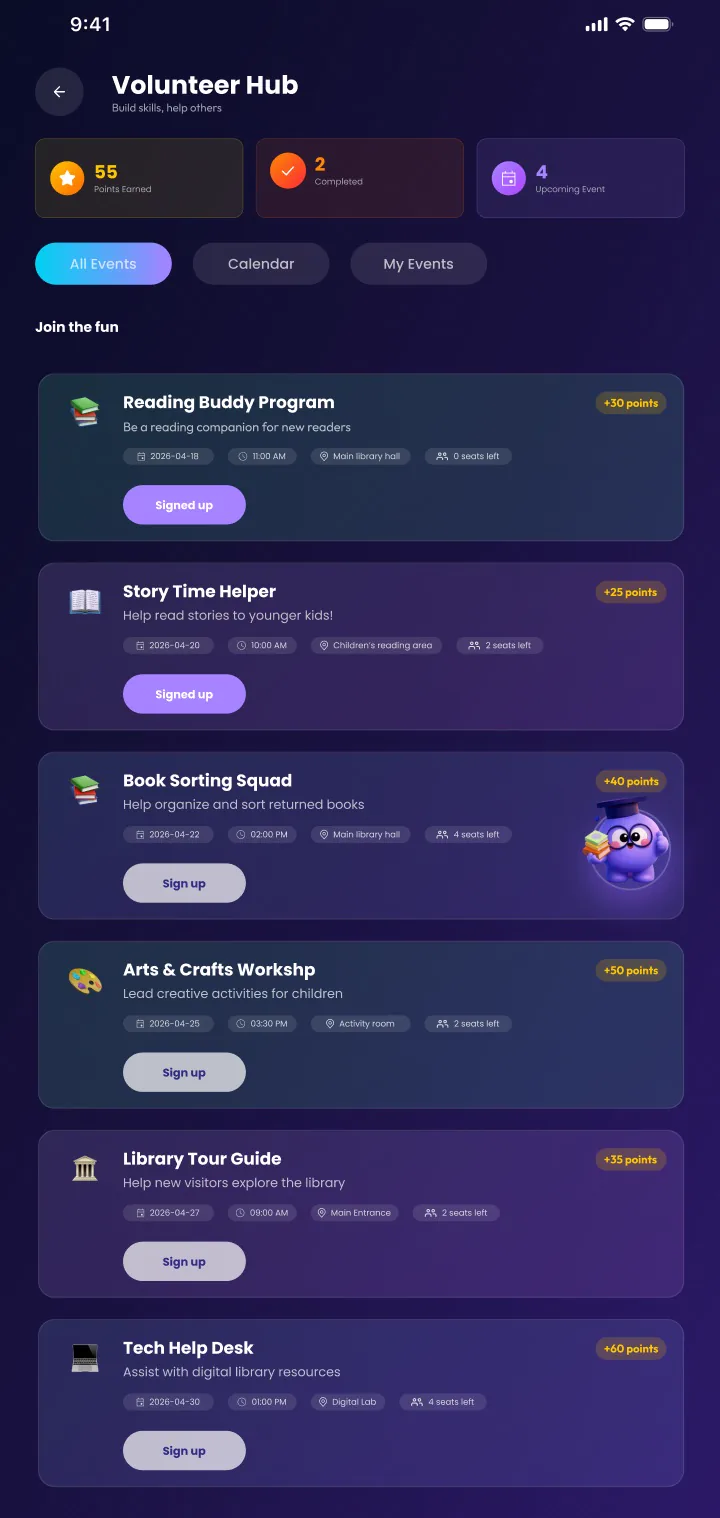
Wants clear events, points earned and seats left, so signing up to help takes one tap.

03 — SOLUTIONS

Play first, guidance underneath.

A kid-first home

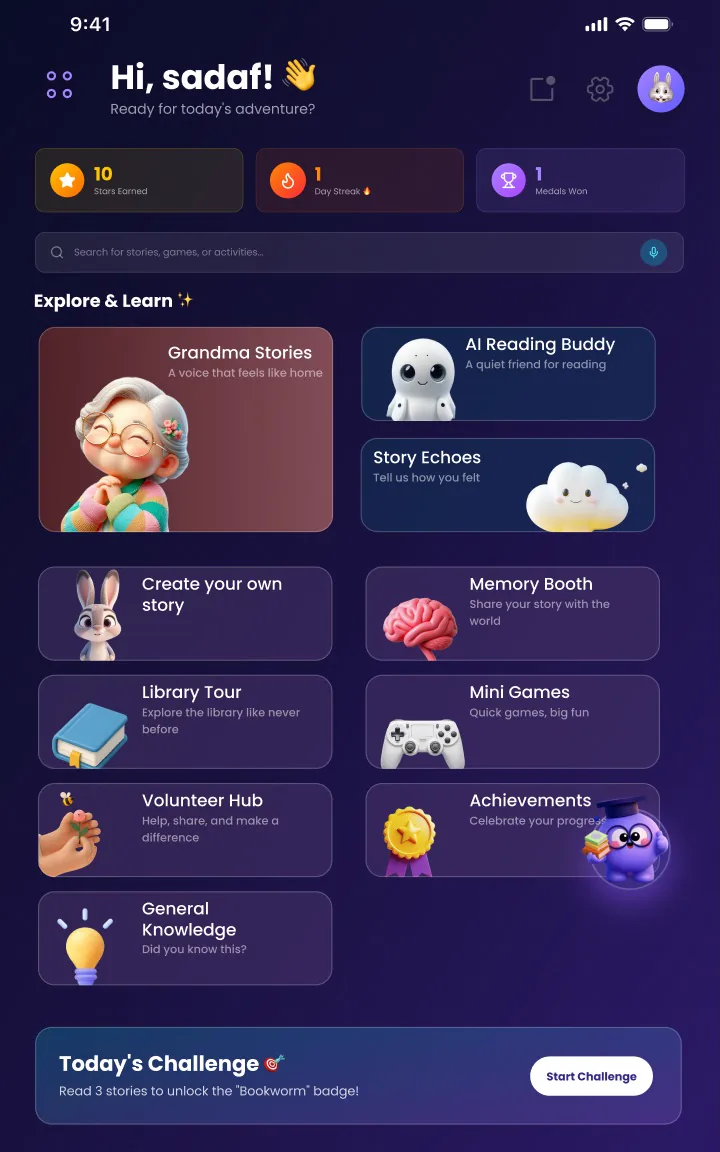
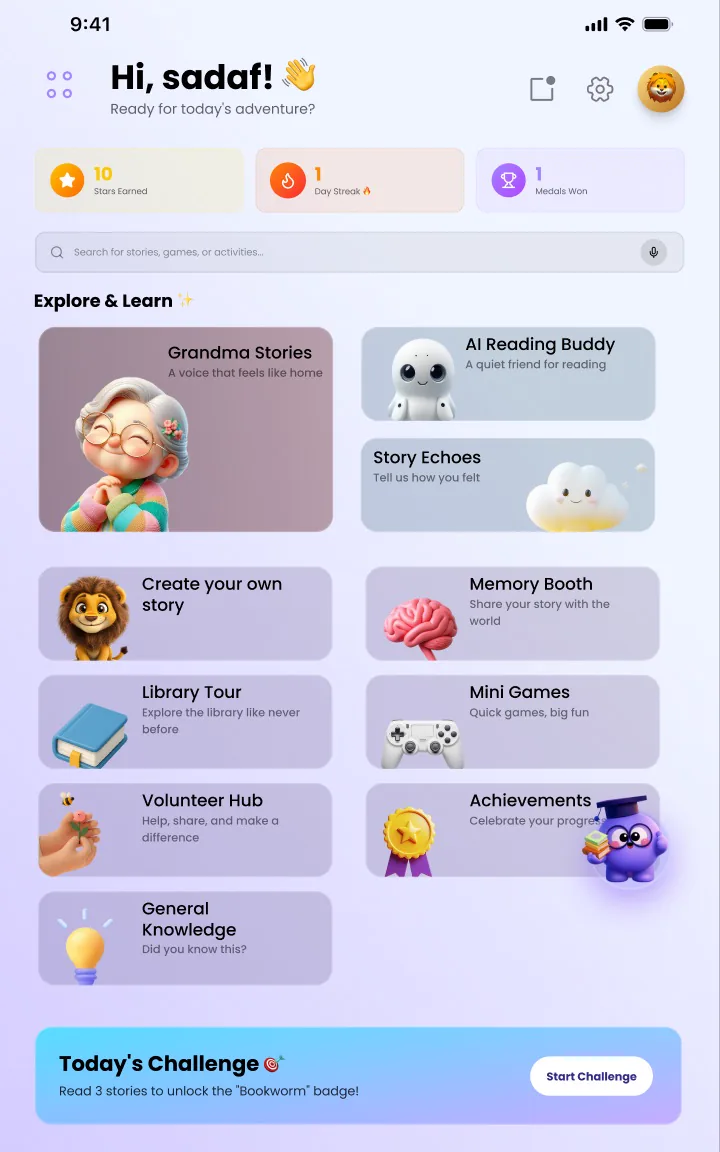
Explore & Learn tiles, each with its own character; stars, day streak and medals up top; voice search; a daily challenge to start reading.

Stories that listen back

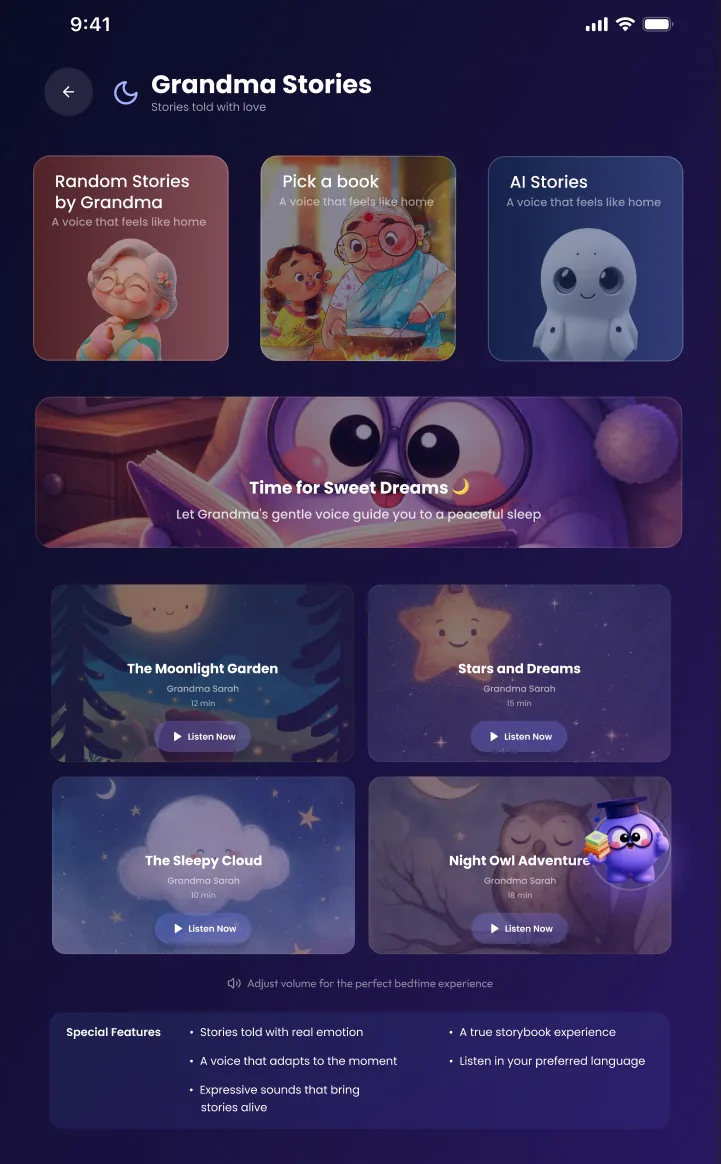
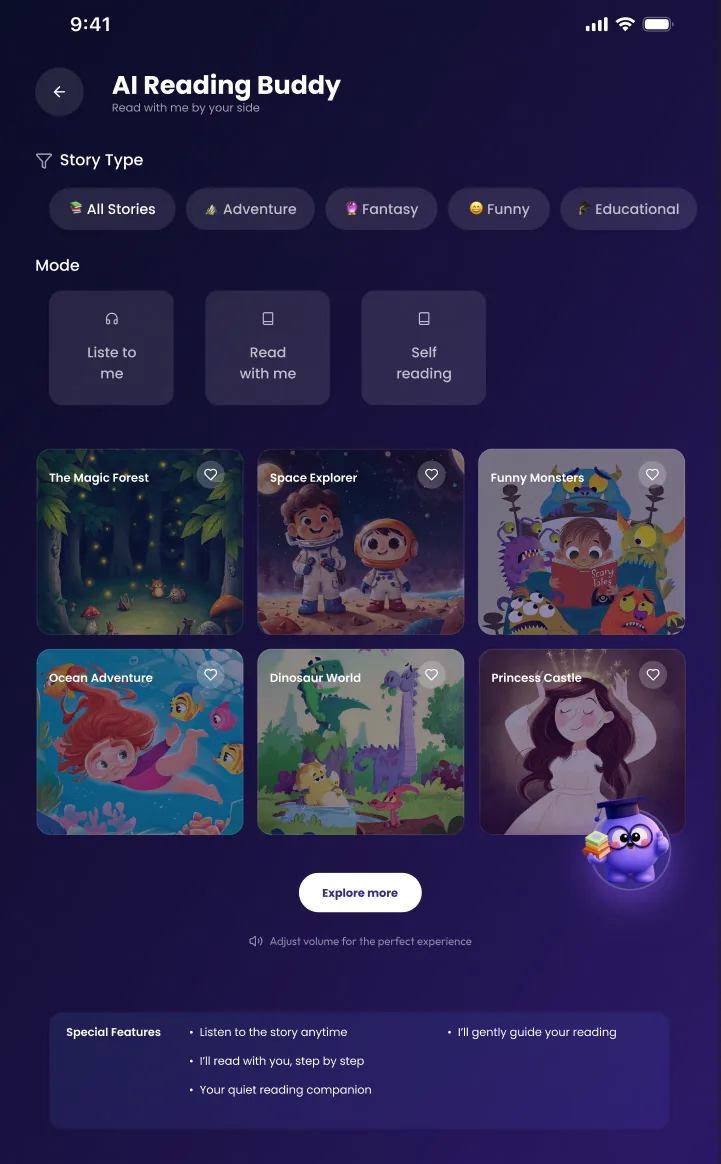
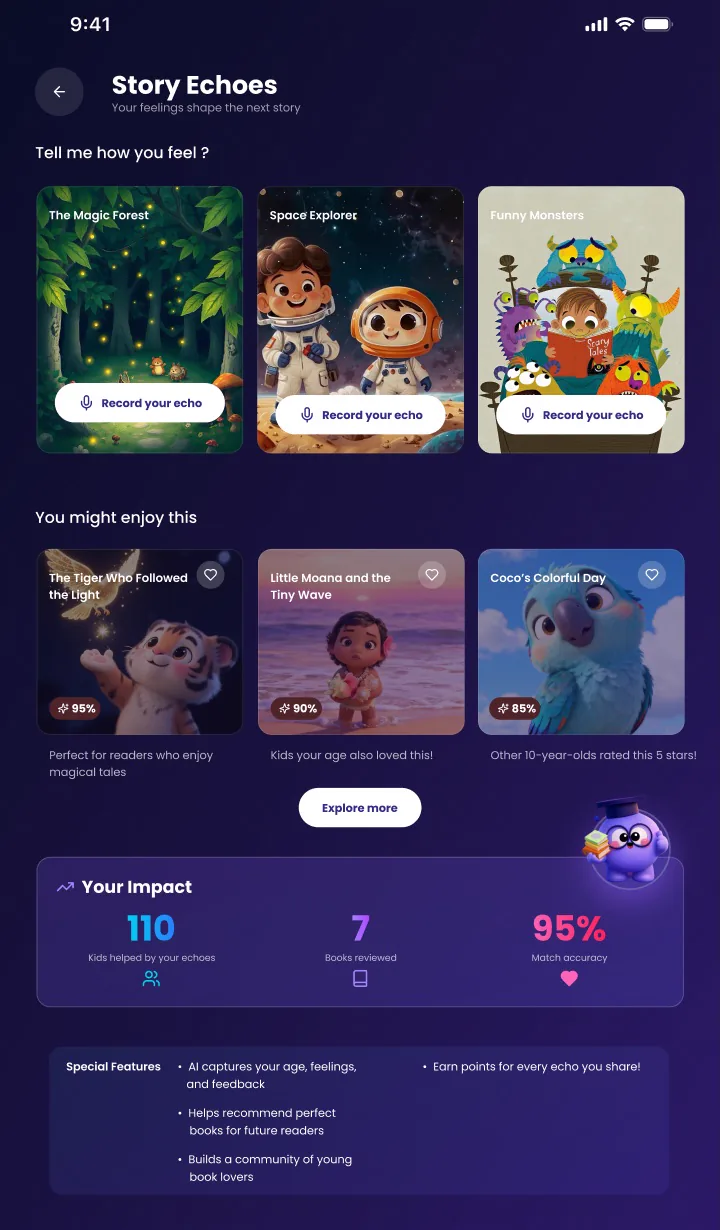
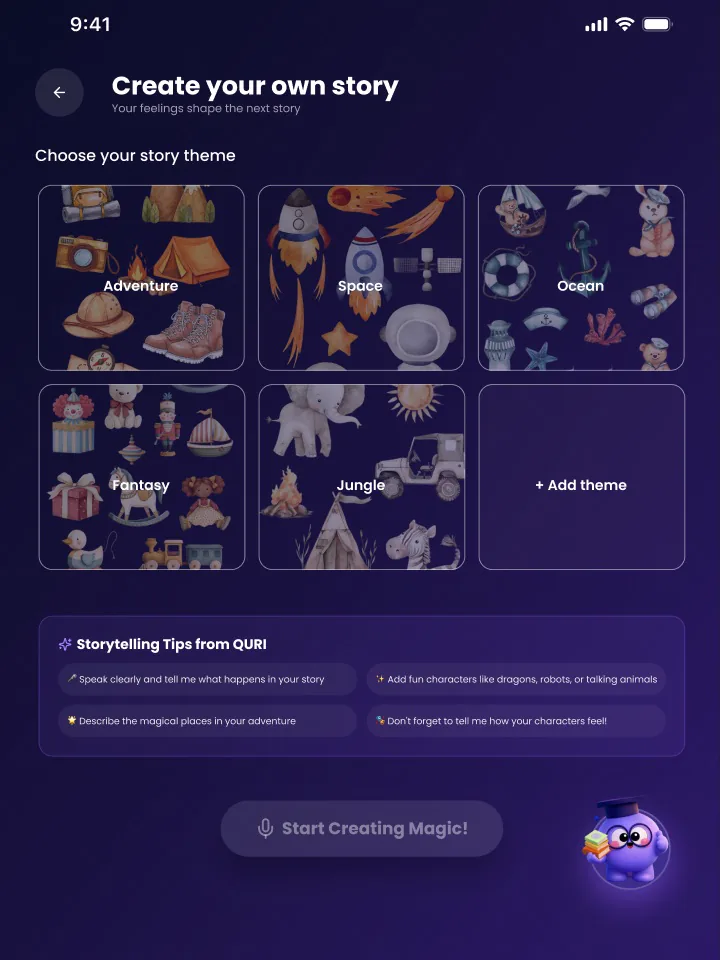
AI Reading Buddy (listen, read with me, self reading), Grandma Stories, Story Echoes for how a story felt, Memory Booth and Create your own story.

Trust and participation

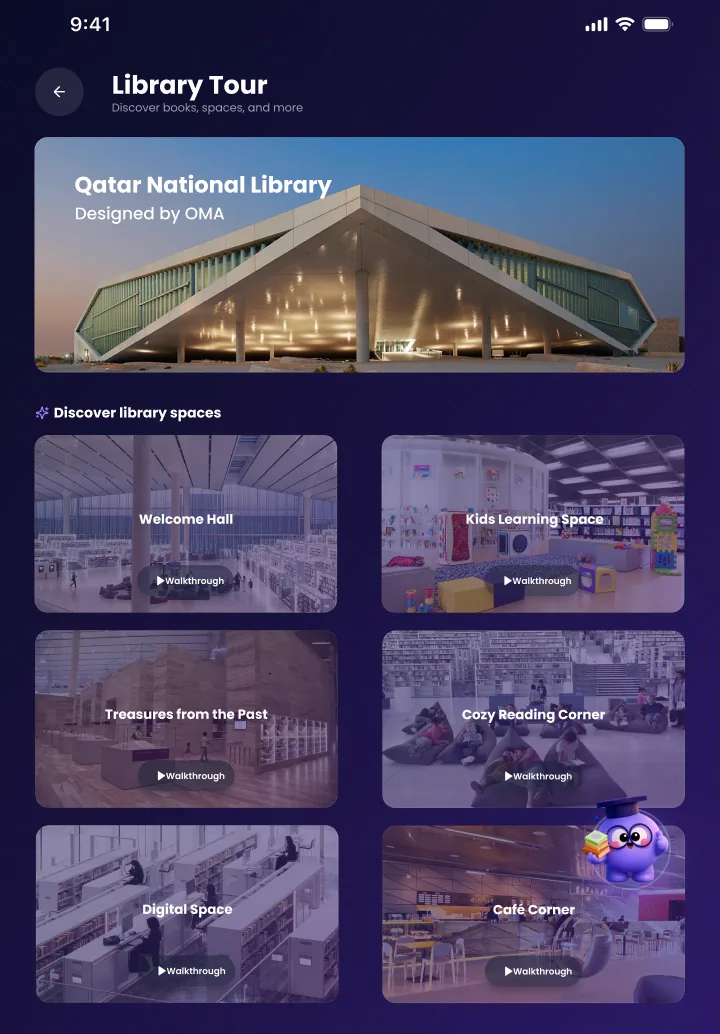
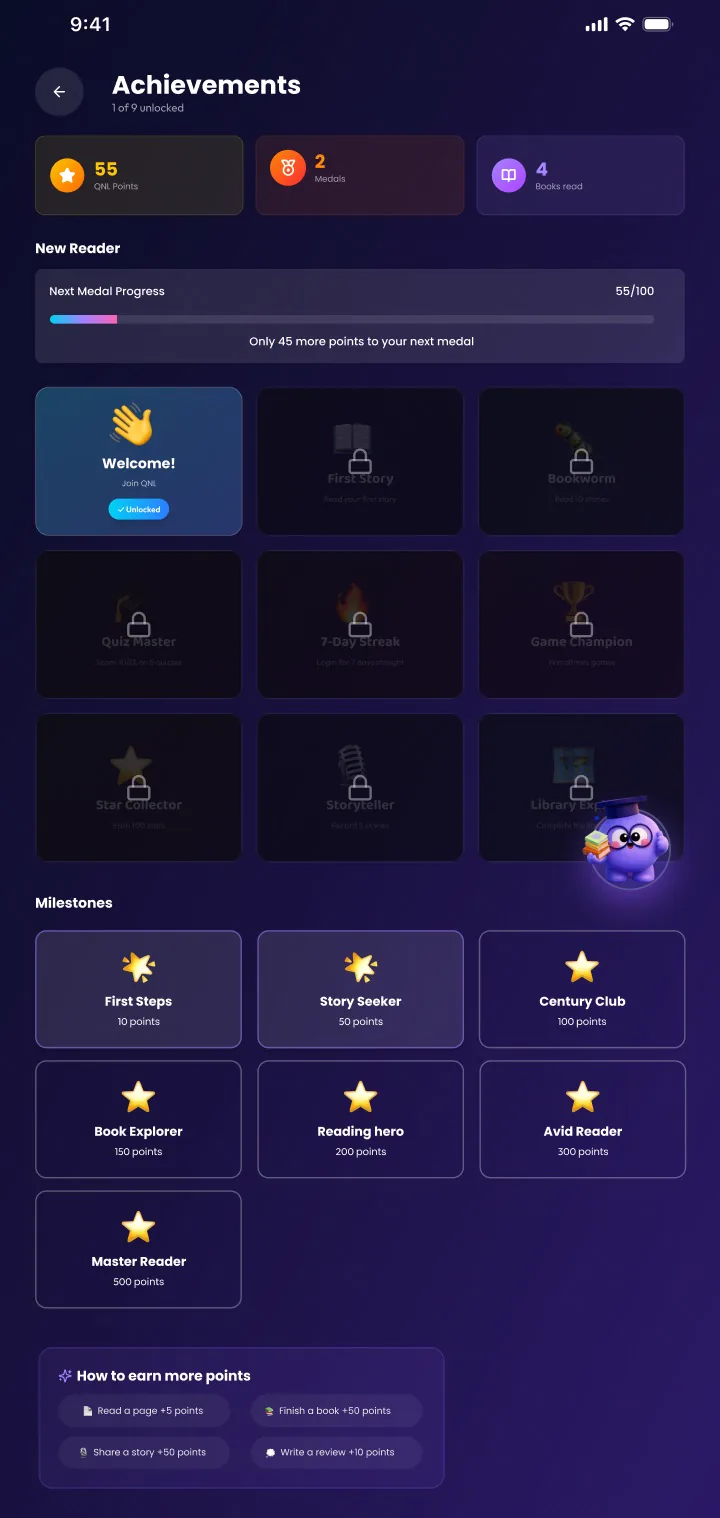
A Parent Insights dashboard, a Volunteer Hub with points and seats, Achievements and a Library Tour that links the app back to the real library.
04 — DESIGN SYSTEM

UI Design

Colors & Typography

8A38F5
130541
F6F86F
FFFFFF
8775B0
111033
322A53
02010A

Poppins

RegularMediumSemiBold

Aa Bb Cc Dd Ee Ff Gg Hh Ii Jj Kk Ll Mm Nn Oo Pp Qq Rr Ss Tt Uu Vv Ww Xx Yy Zz

1 2 3 4 5 6 7 8 9 0

Body & UI: Poppins — Regular · Medium · SemiBold

Design System

Buttons
Onboarding dots
Text input
Parent email
Story card
Grandma storiesListen, learn, remember.
Profile chips
KidParentVolunteer
Progress
68% to next badge

05 — USER FLOW

From first launch to rewards.

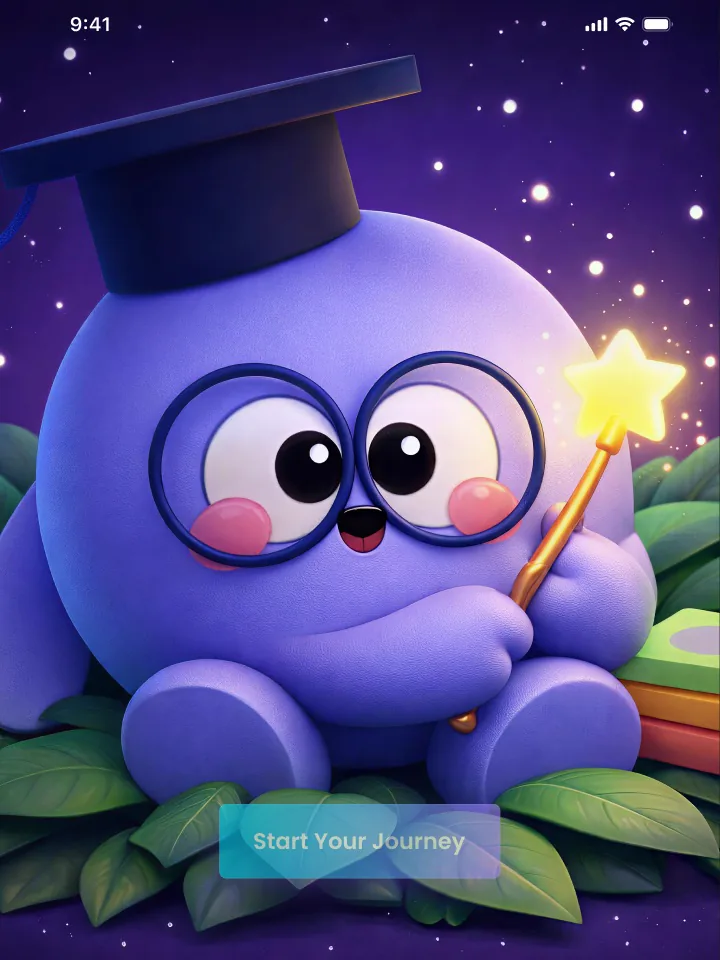
01 OPENApp opening and Start Journey.
02 ONBOARDThree friendly onboarding steps.
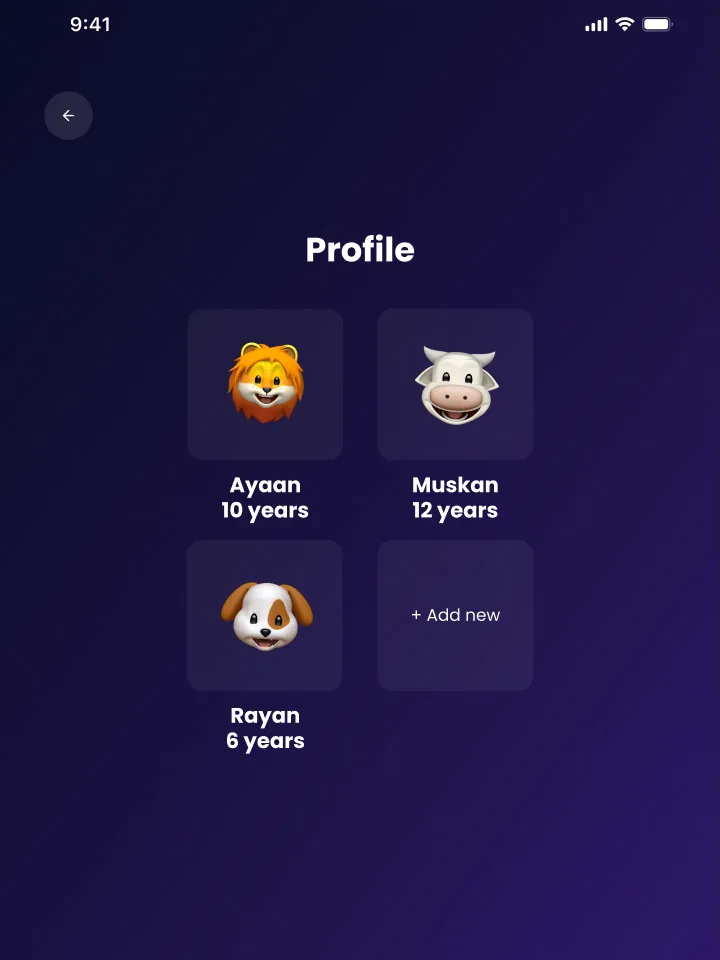
03 PROFILESelect kid or parent profile.
04 EXPLOREStories, buddy, memory booth, games.
05 EARNAchievements and volunteer hub.

06 — FINAL DESIGN OUTPUT

Dark and light, one system.

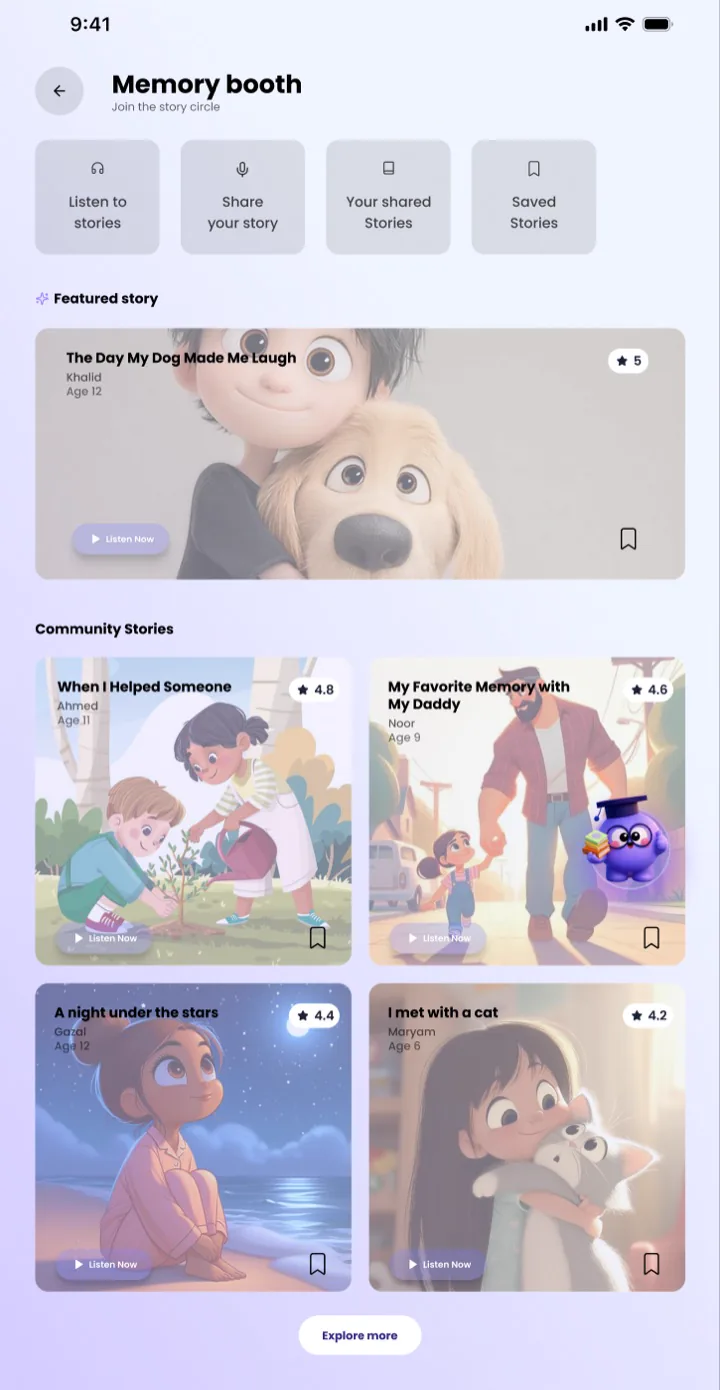
Tablet-first screens in dark and light mode share one component system, so every new area inherits the same cards, pills and character style.

QNL Kids homepage, dark mode
Homepage — dark
QNL Kids homepage, light mode
Homepage — light
QNL Kids Memory booth, dark mode
Memory booth — dark
QNL Kids Memory booth, light mode
Memory booth — light

Outcomes: to be added with real results from Siddhi.

Open prototype → · Back to work

07 — ALL SCREENS

Every screen,
end to end.

Onboarding, stories, memory booth, volunteering and achievements — the Kids app across its main journeys.

Open prototype →
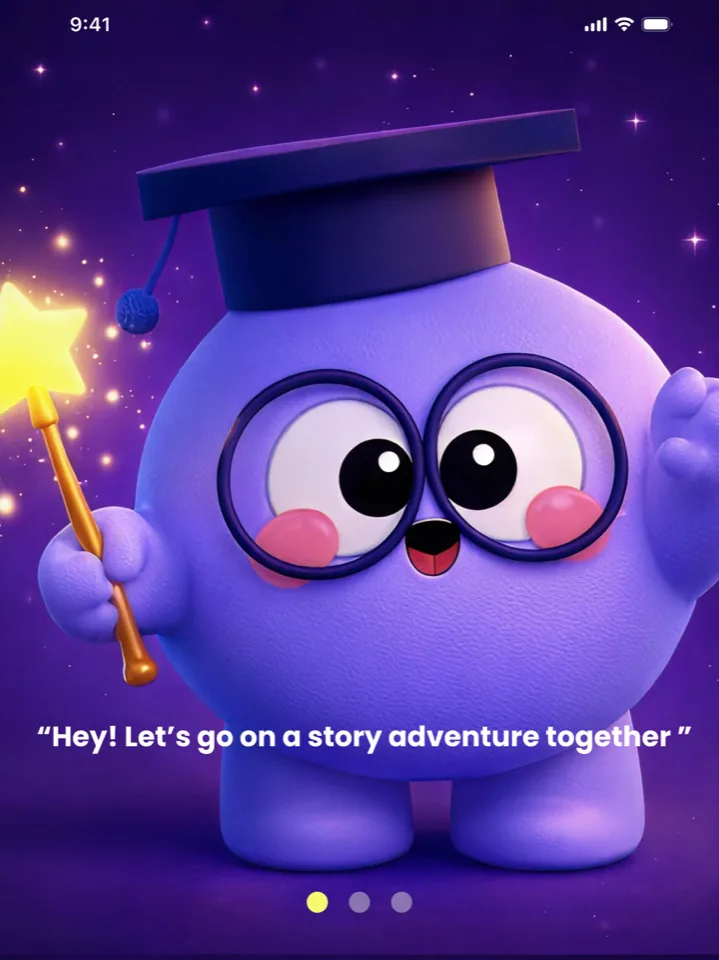
QNL onboarding
QNL grandma stories
QNL library tour
QNL start journey
QNL AI reading buddy
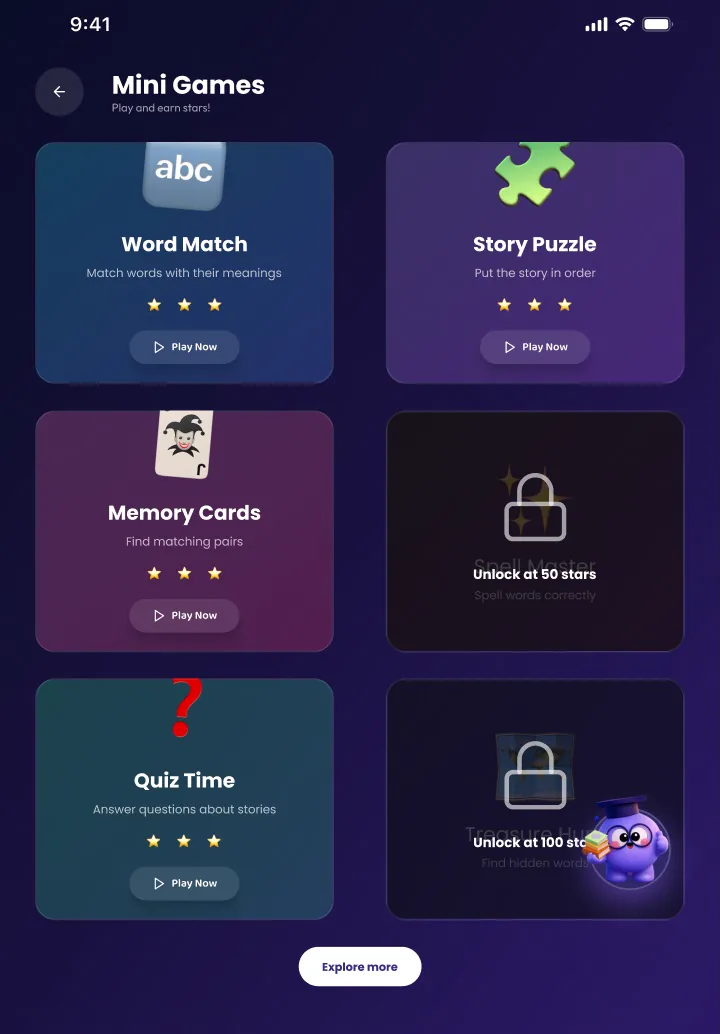
QNL mini games
QNL select profile
QNL story echoes
QNL volunteer hub
  • ↗Safe and playful.
  • ↗Stories that talk back.
  • ↗Memories to keep.
  • ↗Rewards to earn.
QNL homepage
QNL create your own story
QNL achievements
QNL parents homepage
QNL memory booth
QNL profile